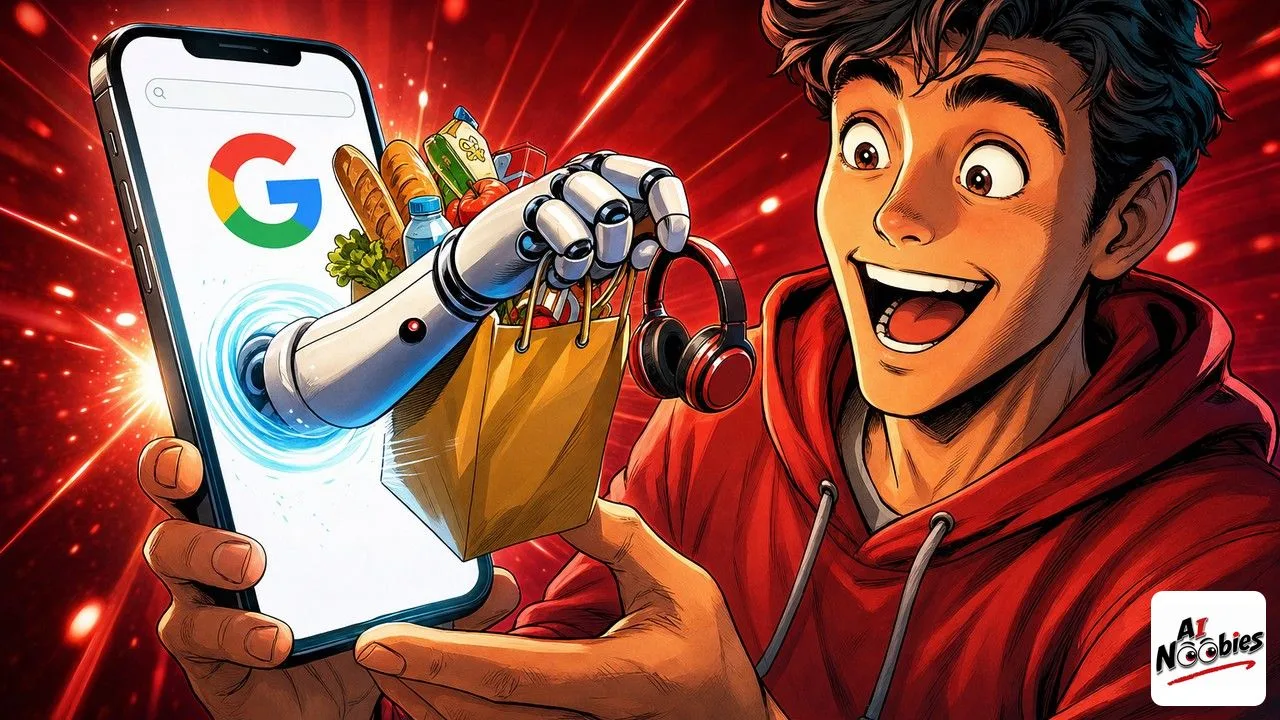
Google just gave AI Mode, its chat-style search, the ability to act inside other apps like Instacart, Canva and YouTube Music instead of only answering your questions. Starting in the United States, that means a search can now fill your grocery cart or build a playlist for you, without you opening the app yourself.
The Gist
- On July 16, Google let AI Mode connect to a few apps and complete tasks for you.
- The first three partners are Instacart for groceries, Canva for design, and YouTube Music for playlists.
- It is rolling out in the US only for now, and Google says more apps are coming.
Have ChatGPT Recap This Article
ChatGPTMeet AI Mode, the Search That Takes Action
AI Mode is Google’s newer way of searching. Instead of a page of blue links, you type a question in plain words and it answers back like a chat. Until now, it stopped at the answer.
The change is that AI Mode can now do the next step for you. You connect an app account, and the AI acts inside that app during the conversation. Ask about a recipe, and it can send the ingredients straight to your Instacart cart.
This is the same idea Google has been building elsewhere. Its Gemini app already does something similar, and its Mac assistant went further when Gemini Spark started doing tasks for you on a computer. AI Mode brings that action into plain search.

How AI Mode Actually Gets Things Done
The clearest example is groceries. You search for a meal, and AI Mode adds the ingredients to your Instacart cart and can place the order. You skip the part where you write a list and retype it in the store’s app.
The other two work the same way. With Canva, AI Mode browses design templates for something like a flyer. With YouTube Music, it puts together a playlist and saves it right away. In each case, you end with a finished thing, not just a suggestion.
That said, this only works because you allow it. You connect your account first, and the AI acts within the limits of that app. For a fuller, step-by-step look at each of the three, there is a closer breakdown of how the app integrations work.
Keep learning on AI Noobies:
- AI for Students: How to Use It Without Cheating
- GPT-5.6 Sol Cracked a 30-Year Math Problem in 90 Minutes
- Spotify Music AI Now Talks to You in the App
What “Connected Apps” Really Means for You
A “connected app” just means you have given search permission to reach into a service you already use. The AI is not guessing your account, you link it on purpose. Once linked, it can carry out a small task there on your behalf.
This is a beginner’s first taste of what people call an AI agent, software that does a task for you instead of just talking. If the word is new, we explained it simply in a plain-English guide to what AI agents really do.
The nuance here is scope. Right now AI Mode only touches three apps, in the US, with more promised later. So it will not run your whole life yet, but it shows where daily search is heading: fewer taps, more done for you.
How to Try Google AI Mode This Week
If you are in the US, open AI Mode in Google search and look for the option to connect an app. Start with something low-stakes, like asking YouTube Music to build a playlist for a mood, and watch it save on its own.
If you are outside the US, you can still get ready. Notice the moment in your own routine where you copy something from a search into another app, because that is exactly the gap this feature closes.
One thing to keep in mind: letting AI spend or act for you is a real shift, and it is spreading fast, right down to payments now that Visa is helping AI pay for things by itself. Try the easy tasks first, stay in control, and let the habit grow from there.
Stay tuned on AI Noobies.
About the Author




