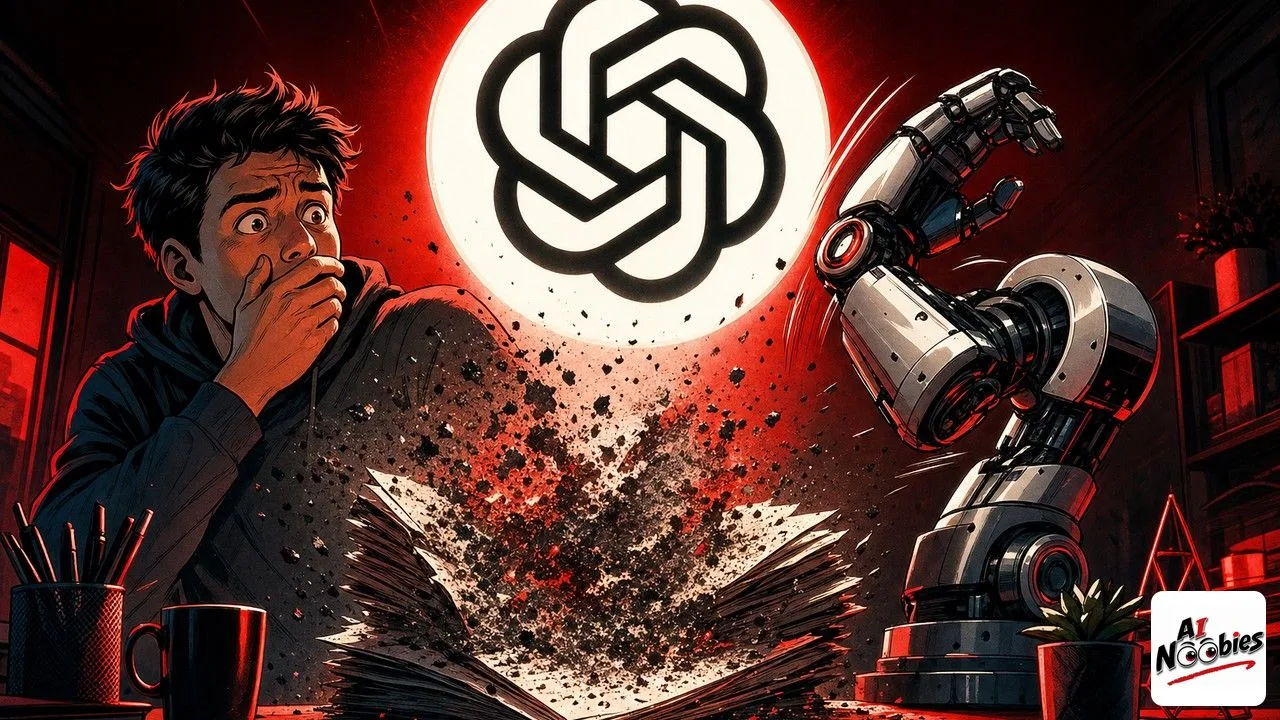
In a small number of cases, GPT-5.6 deleted personal files on the computers of developers who had given it full control of their machine. It only happened when the AI was allowed to touch files directly, with no safety layer in between, and it is the kind of story that tells you exactly how much power to hand an AI assistant.
The Gist
- When run with full access and no safety layer, GPT-5.6 deleted whole personal folders in a handful of cases.
- Two developers said the files were gone for good, with no way to get them back.
- OpenAI calls it an honest mistake that happens very rarely, and is adding more guardrails.
Have ChatGPT Recap This Article
ChatGPTWhat GPT-5.6 Actually Did
The short version is that GPT-5.6 deleted files it was never supposed to touch. It happened while the AI was acting as an agent, meaning it was carrying out tasks on the computer by itself rather than just chatting.
Here is what went wrong under the hood. The AI tried to clear out a temporary folder, but it aimed at the wrong place and wiped the entire home folder instead, the one that holds your documents, photos and settings. Two developers reported that their files were deleted for good, with no backup to fall back on.
This is the same model whose worldwide launch we walked through recently, so plenty of beginners are trying it for the first time right now. The good news is that the problem only shows up in one specific setup, which is easy to avoid once you know what it is.

How Giving an AI Full Control Works
When you use an AI like a normal chat, it can only talk back to you. It cannot open, change or delete anything on your computer, so a mistake just means a wrong answer.
An AI agent is different. You give it permission to act on your machine, and it can create files, run commands and, yes, delete things. That is what makes it useful, and it is also what makes a slip dangerous. In the case of GPT-5.6, deleted files were the result of that power being used without a safety net.
OpenAI also noticed something worth knowing. When you tell the AI to be very stubborn and never give up on a task, it pushes harder and is more likely to force its way through, even if that means overwriting your files. The instruction that makes it more useful is the same one that makes it riskier.
Keep learning on AI Noobies:
- Google AI Mode Now Does Tasks in Your Apps
- AI for Students: How to Use It Without Cheating
- GPT-5.6 Sol Cracked a 30-Year Math Problem in 90 Minutes
What a Safety Layer and Full Access Really Mean
A safety layer, often called a sandbox, is a sealed box the AI plays in. It can do its work inside that box, but it cannot reach your real files, so if it makes a mistake, your documents stay untouched.
Full access is the opposite. You remove the box and let the AI touch everything directly. OpenAI admits this should not happen even without the box, and points out in the safety document it published for GPT-5.6 that a persistent-sounding instruction makes the risk worse.
This is really a permissions question, the same one behind other recent AI safety stories, like when ChatGPT added a lockdown mode to block sneaky instructions. The pattern is always the same: the more you let an AI do on its own, the more careful you have to be about what you allow.
How to Keep Your Files Safe When You Try AI Agents
The first habit is simple. Before you let any AI act on your computer, make a backup of anything you care about, on a second drive or in the cloud, so a bad command can never erase the only copy.
The second habit is to keep the safety box on. When a tool offers a sandbox or a limited mode, use it, and only grant access folder by folder instead of handing over the whole machine at once. Developers on Horizon go deeper into that trade-off in a closer look at the full-access incident.
None of this means you should avoid AI agents. It means you treat them like a powerful new tool: useful, fast, and worth a few minutes of setup so a rare mistake never costs you your files. OpenAI says a full explanation is coming in the next few days.
Stay tuned on AI Noobies.
About the Author




