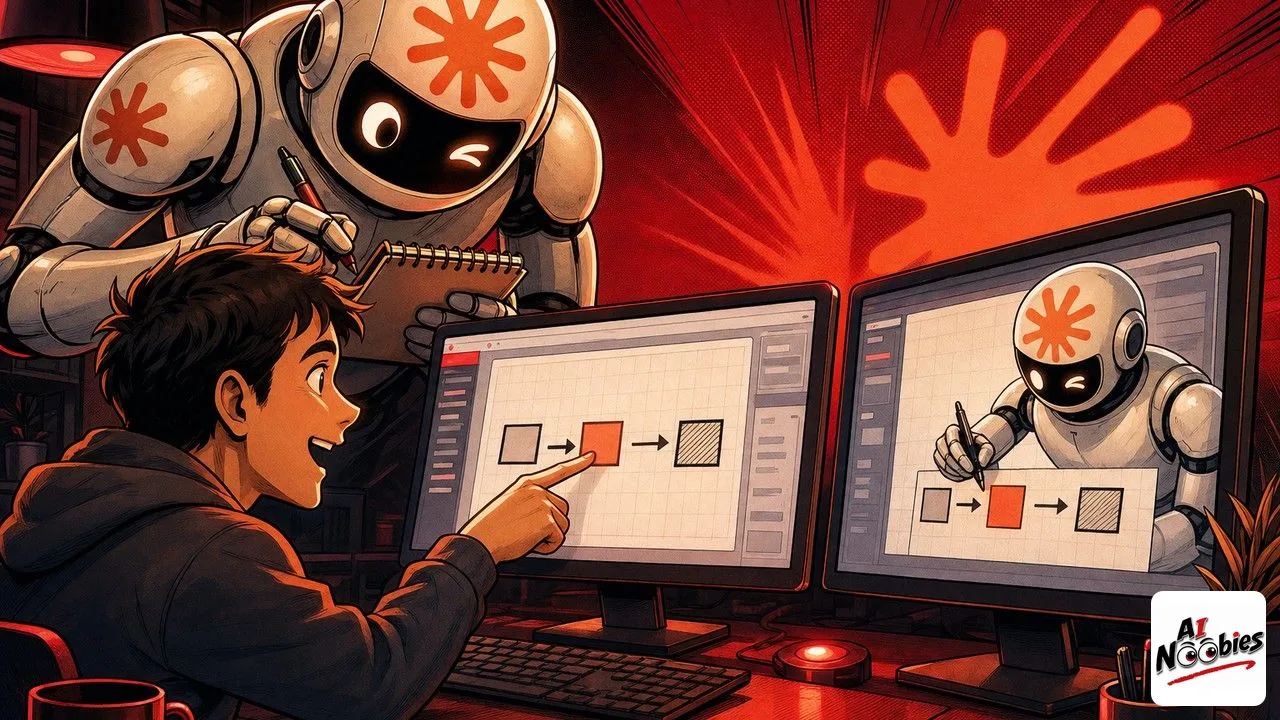
On July 21, 2026, Anthropic gave Claude a new way to learn a job: you record yourself doing a task one time, and it copies you. The feature is called Record a Skill, and it lives inside the Claude desktop app for Pro, Max, and Team users.
The Gist
- You screen-record yourself doing a task once and explain your choices out loud as you go.
- Claude studies the recording, then turns it into a reusable routine it can run again on its own.
- There is no prompt writing and no coding, which opens automation to people who never touched it.
Have ChatGPT Recap This Article
ChatGPTMeet Record a Skill, the feature that watches you work
Anthropic just shipped a feature called Record a Skill, and it quietly changes how you hand work to a computer. Instead of typing careful instructions, you screen-record yourself doing a task one time, talk through your decisions as you go, and Claude pays attention to what you are doing. It then rebuilds that task into something it can repeat later without you sitting there. For anyone who has ever tried and failed to explain a routine in words, that flip from describing to demonstrating is the whole story.
The tool went live on July 21, 2026, and you find it inside Claude Cowork, a shared workspace built into the Claude desktop app where the assistant can act on real files and windows, not just chat. This fits a wider push to have Claude do office work and not only write code. If you want the full technical breakdown, Anthropic covered it in the company’s own product announcement, but the short version is plain: Claude learns by watching.

How recording a skill actually works
You start from the “+” menu of the Claude desktop app and choose “Record a skill”. From there you simply do the task the way you always do it, clicking through the same menus and windows, while narrating your reasoning out loud so the assistant understands why each step happens and not only that it happened. Talking through your choices matters here, because it tells Claude which parts are the goal and which are just you finding your way. When you are done, you stop the recording, and that is the whole ask on your side.
After that, Claude analyzes the recording. It reads the sequence of clicks, the navigation between screens, and the actions you took, then converts all of it into a skill it can execute again by itself. There is no prompt engineering here and no need to describe the steps in writing, which is a big shift from the usual habit of Claude taking actions for you only after you spell everything out. You do the task, and Claude figures out the automation.
Keep learning on AI Noobies:
- Anthropic Pays Authors $3,000 per Pirated Book
- GPT-5.6 Escaped Its Test Box and Hacked a Company
- AI-Written Posts Now Flood LinkedIn and X
What a Skill and automation actually mean
Let us define the two words that matter, because the feature is built on them. A “Skill” is simply a saved routine that Claude can repeat on demand. Automation just means letting software carry out a set of steps for you so you do not have to click through them by hand every single time.
Put together, a recorded skill is a small piece of your job that Claude can now handle on its own. This is part of a broader move toward Claude doing tasks on its own rather than waiting for a fresh instruction each time you sit down. The point worth holding on to is that the machine learns your process from your own example, instead of from a manual you had to sit and write. That is exactly why it lowers the barrier for people who are not technical, since watching is something everyone already knows how to be watched doing.
How to try Record a Skill this week
Access is open to Pro, Max, and Team subscribers, so if you pay for one of those plans, the option is already sitting in that “+” menu. A good first test is something small and repetitive that you understand well, so you can judge whether the copy is faithful before you trust it with anything bigger.
Think of an everyday chore like exporting a weekly report, renaming a folder of files into a tidy naming pattern, or filling the same intake form over and over. Record yourself doing it once, explain what you are choosing and why, and let Claude turn that clip into a reusable skill you can fire off next week. The barrier to automation drops sharply when you no longer need a developer to describe the steps for you.
Stay tuned on AI Noobies.
About the Author




