You can Clone Your Voice with ElevenLabs tonight, using nothing more than your phone and a short recording. The free plan lets you play with pre-made voices, but the real magic, the one where the AI speaks in your own voice, opens up on the Starter plan at 6 dollars a month. This is a walkthrough for a total beginner who has never touched an audio tool before.
The Gist
- ElevenLabs lets you Clone Your Voice from a short smartphone recording, then makes that voice read any text you type.
- The free plan is great to try text-to-speech, but instant voice cloning is unlocked on the Starter plan at 6 dollars a month.
- Never clone someone else’s voice without their clear, written permission. That is the one rule that matters.
What voice cloning actually is and why it matters for you
Voice cloning is a technology that listens to a short sample of your voice and then learns to speak in that same voice. You give it a text, it reads that text back to you in your own tone. The technical name behind this is text-to-speech, which just means “turn written words into spoken audio”. Voice cloning is a special flavor of it, where the spoken audio sounds like a specific person instead of a generic robot.
A few years ago, this kind of tool sat inside professional studios and cost a fortune. Today, a company called ElevenLabs has packaged it into a website that anyone can open in a browser. You do not need to know how AI works, and you do not need any audio background. If you can send a voice message on WhatsApp, you already have the only skill required to Clone Your Voice with this tool.
Now, why would a beginner actually care? The most obvious use case is home podcasting. If you want to launch a small show but hate the sound of your own recordings, you can write a script, feed it to your cloned voice, and get a clean audio track that still feels like you. Same idea for YouTube: a lot of beginner creators struggle with voice-over quality, and cloning bridges that gap without requiring a real studio setup.
There are softer, more personal uses too. Some people record a short message in their own voice, then use their clone to read a longer letter to a family member who lives far away. Others turn their favorite blog posts into homemade audiobooks so they can listen while cooking or walking. Teachers use it to narrate lessons in their voice without re-recording every module. If you write online, this is also a beginner-friendly way to start experimenting with the first free AI tools most beginners try without getting overwhelmed.
The big shift with modern voice cloning is speed. It used to take hours of clean studio recording and a technical team to build a synthetic voice. With ElevenLabs, you go from “I have never done this before” to “here is a text spoken in my voice” in a few minutes. That is the reason this tool has become one of the most talked-about beginner-friendly AI apps of the last two years.

The step-by-step first-time walkthrough
Let’s actually do it. Open your browser, go to elevenlabs.io, and click the sign-up button. You can use a Google account to speed things up, or an email and password. Confirm your email, and you land on the ElevenLabs dashboard. This is your control room. It looks a bit dense at first, but you only need one section to get started, which is the Voices section on the left side menu.
Before jumping into cloning, take a minute to try the free version. You get 10 000 credits per month on the free plan. One credit equals one character of text, so 10 000 credits gives you roughly a few minutes of generated audio, depending on how much you write. On the free plan, you can only use the pre-made voices, meaning ready-to-use synthetic voices that ElevenLabs provides. Type a short paragraph, pick a voice, click generate, and listen. This helps you get a feel for the interface before you spend anything.
Now here is the important part: instant voice cloning is not included in the free plan. To Clone Your Voice, you need to upgrade to the Starter plan at 6 dollars a month. That plan unlocks the cloning feature, gives you 30 000 credits a month, and adds a commercial license, meaning you can use the audio you generate in your own projects. If you only want to test cloning once and see what it does, one month of Starter is the cheapest way in.
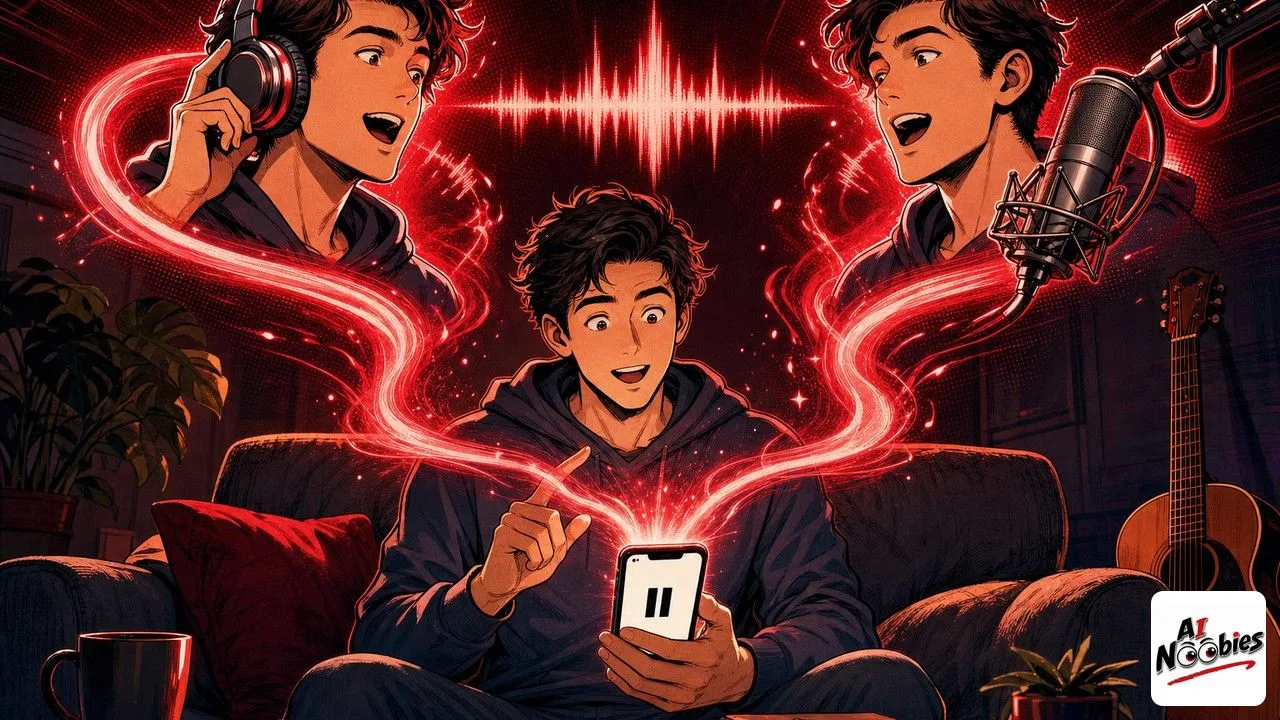
To record your voice sample, use your smartphone in a quiet room. Open the default voice memo app on iPhone or Android, and read out loud for about 30 seconds. Speak calmly, at your normal pace, in the same tone you would use for whatever project you have in mind. Read a short paragraph out of a book, or something you wrote yourself. Do not whisper, do not shout, and do not put on a fake voice. The clone will copy exactly what it hears, so give it a version of yourself you actually want to hear again.
Transfer that audio file to your computer, then head back to the ElevenLabs Voices section. Click “Add a new voice”, choose “Instant voice cloning”, upload your file, give the voice a name (something like “My voice v1”), and hit save. A few seconds later, your clone appears in the list. Open the text-to-speech tab, select your new voice, type any text you want, and click generate. You will hear yourself speak words you never actually said. That first moment is genuinely strange, in a good way. From there, download the audio file, and you are done. If you want to sharpen how you write the text you feed the clone, a short guide on writing prompts that actually work will save you a lot of trial and error.
Keep learning on AI Noobies:
- Doing Homework With AI Hurts You Two Years Later
- How to Read a 100-Page PDF With ChatGPT in Minutes
- Copilot AutoPilot Explained: What AI Agents Really Do
What to do if you get hooked: Starter, Creator or Pro
If you find yourself opening ElevenLabs every day, the question quickly becomes: which plan actually fits my usage? The company sells three main paid tiers, and the difference between them is essentially the number of credits, the audio quality, and the type of cloning you get access to. Let’s walk through them in plain language.
The Starter plan at 6 dollars a month is the entry door. You get 30 000 credits, which is about half an hour of generated audio depending on voice settings. You unlock instant voice cloning, a commercial license so you can publish what you make, and access to twenty Studio projects. For a beginner who wants to Clone Your Voice for personal messages, short YouTube intros, or a small podcast experiment, this plan is enough for weeks of tinkering.
The Creator plan at 22 dollars a month (11 dollars for the first season if the promo is active) is the next step up. You jump to 121 000 credits, which is a serious amount of audio, and you unlock professional voice cloning. Professional cloning uses a longer, higher-quality sample to build a more accurate version of your voice. If you plan to publish audio content regularly, or narrate long-form pieces like audiobooks, this is the plan that starts making sense.
The Pro plan at 99 dollars a month is for people who use ElevenLabs as part of an actual workflow, not a hobby. You get 600 000 credits, high-fidelity audio output at 44.1 kHz PCM, and API access at 192 kbps. This is where audio agencies, established podcasters, and small production studios usually land. As a first-time beginner, you almost certainly do not need it. Note that unused credits roll over for two months, capped at three times your monthly quota, so you have a bit of breathing room if you take a light week.
My honest advice for a first-timer: start with Starter for one month, see if you actually keep using it, and upgrade only if you hit the credit ceiling or notice audio quality limits. If you want to give it a real spin, here is my partner link to ElevenLabs, which supports this site if you decide to sign up. And if you are still weighing whether this tool fits how you already use AI, just remember it is another AI system with its own quirks, which means the general beginner caution about not blindly trusting what AI tools produce applies to audio just as much as text.
One last section before you go, and this one is not optional. The one ethical rule. Never clone the voice of another person without their clear, written permission. Not your friend as a prank, not a public figure as a joke, not a family member as a surprise gift. Voice cloning is powerful enough to fool people, which means it can also be used to hurt people. ElevenLabs has terms of service that forbid impersonation, but the real safeguard is you. If it is not your voice or a voice whose owner said yes in writing, do not clone it. That is the whole rule, and it fits in one sentence.
Do I need a paid plan to Clone Your Voice with ElevenLabs?
Yes. The free plan lets you try text-to-speech with pre-made voices, but the cloning feature is locked behind the Starter plan at 6 dollars a month. That plan gives you 30 000 credits, instant voice cloning, and a commercial license so you can publish what you generate. If your goal is just to test cloning once and decide whether it fits your projects, paying for one month of Starter is the cheapest and most honest way in. You can cancel afterward if you decide the tool is not for you.
Can I clone someone else’s voice?
Technically the tool would let you upload almost any recording, but legally and ethically you should not. Cloning another person’s voice without their explicit written permission is a form of impersonation, and it can cause real harm, from scams to reputation damage. ElevenLabs forbids it in its terms of service, and most countries treat non-consensual voice cloning as a serious violation. Stick to your own voice, or voices whose owners have said yes in writing. That is the only version of this practice that stays safe and respectful.
How natural does the cloned voice sound?
On the Starter plan, the instant clone gets you close to your natural tone, but subtle things like breathing, hesitation, and emotion can feel slightly off. It is good enough for narration, short intros, and personal messages. On the Creator plan and above, professional voice cloning uses a longer, cleaner sample and produces something noticeably closer to a real recording. The quality of your original sample matters a lot: a calm, well-recorded 30-second smartphone clip in a quiet room already gives strong results for a first-time beginner.
Stay tuned on AI Noobies.
About the Author