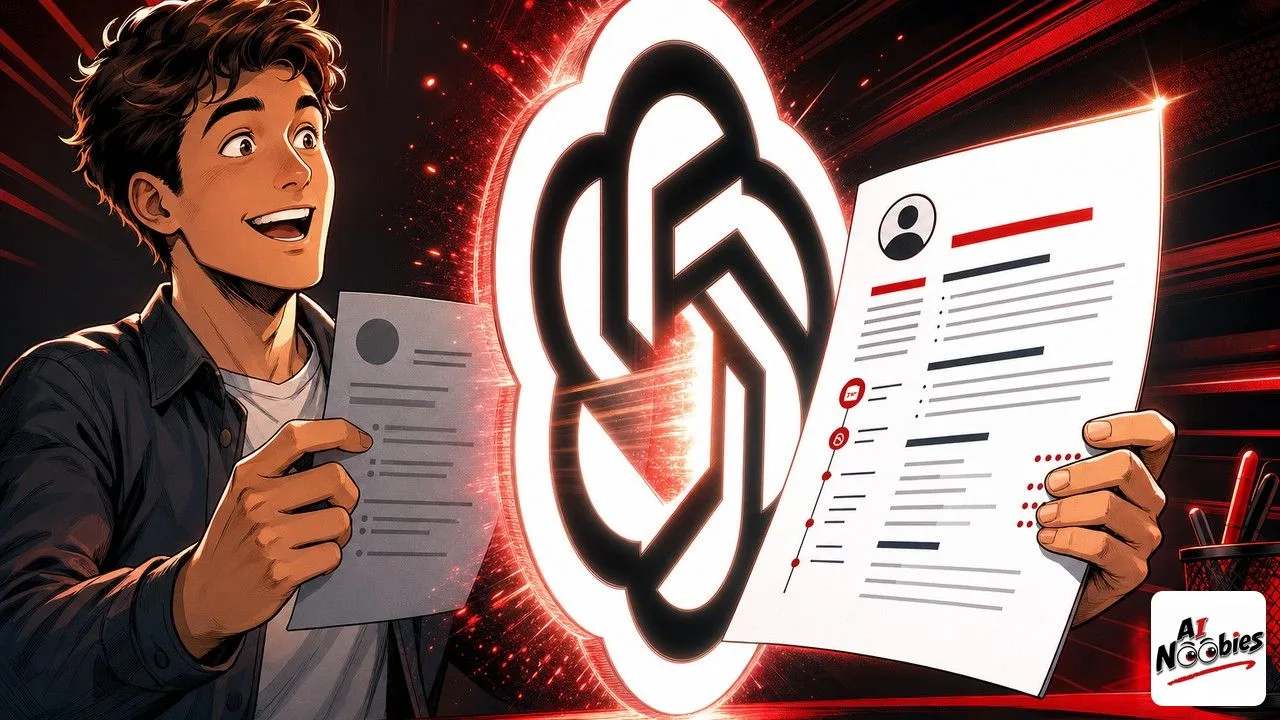
A ChatGPT resume is simply your existing resume, rewritten with help from an AI chat tool that happens to be very good with words. This guide walks you through doing it yourself step by step, even if you have never opened ChatGPT before.
The Gist
- ChatGPT can sharpen your resume’s wording, match it to a job ad, and fix weak bullet points in a few minutes.
- You get the best results by feeding it your real resume plus the job description, not by asking it to invent one.
- The free version is enough for this, and you should always review and edit what it writes before sending anything.
- Recruiters and their software can spot lazy AI text, so the goal is to sound like a sharper you, not like a robot.
Have ChatGPT Recap This Article
ChatGPTWhy ChatGPT is a surprisingly good resume editor
ChatGPT is a free AI chat tool made by OpenAI. You type a request in plain language, and it writes back in plain language, which is exactly the skill a good resume needs. It has read a staggering amount of text, so it has a strong sense of how a crisp, professional sentence is supposed to sound.
That makes it a genuinely useful editor for the parts of resume writing most people hate. It can turn a flat line like “responsible for emails” into something punchy, trim a rambling summary, and rephrase the same experience to fit a specific job. It will not find you a job, but it will help you describe yourself more clearly than a blank page ever lets you.
It helps some people more than others, and beginners are often the ones who gain the most. If you are changing careers, returning to work after a break, or writing in a language that is not your first, a ChatGPT resume gives you a confident second pair of eyes on every line. Students with thin experience benefit too, because the tool is good at reframing a part-time job or a class project into something an employer takes seriously, as long as everything stays honest.
This guide is for total beginners, and the good news is that the free plan is all you need for a ChatGPT resume. If you are curious whether paying ever makes sense, we broke down when ChatGPT Plus is actually worth it versus the free version, but for editing a resume the free tier does the job comfortably.

Get your resume and the job ad ready first
The single biggest mistake beginners make is asking ChatGPT to build a resume out of nothing. It will happily do that, and the result will be a generic template that fits no one. The tool works best when it has real material to react to, so a few minutes of prep changes everything.
Before you start, gather three things: the full text of your current resume, the job description you are targeting, and a short list of things you actually achieved in each role. Numbers help a lot here, so jot down anything you can measure, like how many customers you handled or how much time a change saved. You will paste these into the chat as you go.
One quick word on privacy. ChatGPT keeps a record of your chats, so treat it like a public notepad and leave out sensitive personal details such as your full home address, ID numbers, or date of birth. The same caution applies whenever you hand personal data to an AI, which is why we flagged the risks when ChatGPT started reading people’s medical records. Your job title and experience are fine to share, the private identifiers are not.
Keep learning on AI Noobies:
- Amazon Nova AI Models Are Getting Quietly Shelved
- Apple Smart Glasses Delayed Over Privacy Fears
- RAM Shortage Is Making Your Next Phone Cost More
Rewrite your resume with ChatGPT, one prompt at a time
The secret is to work in small steps instead of asking for everything at once. Walking ChatGPT through the task one prompt at a time gives you far better results than a single giant request, because each answer builds on the last.
Start by helping it understand the target. Paste the job description and type something like, “Here is a job description. List the five most important skills and keywords this employer is really looking for.” This tells you exactly what your ChatGPT resume needs to echo, straight from the ad itself.
Next, hand over your current resume and ask for an honest gap check: “Here is my current resume. Compared to those five skills, what is missing or too weak, and where do I already match well?” Now ChatGPT is comparing your real experience against the real job, which is where the useful suggestions come from.
Then rewrite in pieces. Feed it one section at a time with a clear instruction, such as, “Rewrite these three bullet points to sound stronger, start each with an action verb, and add the numbers I give you.” A weak line like “helped customers with problems” becomes “resolved 40 plus customer issues a day with a 95 percent satisfaction rate.” Do the same for your summary, asking it to keep the tone professional and under three sentences.
One habit pays off fast: keep a full master resume and let ChatGPT spin a tailored copy for each job, rather than editing a single file to death. Save the strong version, then say, “Now adjust this same resume for a different role, here is the new job ad.” In a couple of minutes you have a targeted ChatGPT resume for each application, each one echoing the exact words that specific employer used in its posting.
Finish by reading every line out loud and changing anything that does not sound like you. ChatGPT gives you a strong draft, but the final voice has to be yours. Twenty minutes of this back and forth usually gets a beginner a cleaner resume than an afternoon of staring at the old one.
The mistakes that get an AI resume tossed out
The first and most dangerous mistake is letting ChatGPT invent things. It can produce a confident sentence about a skill you do not have, and if a recruiter asks about it in an interview, you are stuck. Never let the tool add experience you cannot back up in a conversation.
The second is sounding like everyone else. When thousands of people use the same tool with the same lazy prompt, the results start to rhyme, and recruiters have noticed. That flood of samey AI phrasing is the same one now washing across LinkedIn and other platforms as AI-written posts pile up, and hiring teams are learning to spot it fast. Editing the draft in your own words is what keeps you on the human side of that line.
A few smaller traps round it out. Do not stuff the page with keywords hoping to trick the scanning software, because a resume that reads like a word cloud gets a human rejection right after the software pass. Do not skip proofreading, since ChatGPT can still get a date or a job title wrong. Fix those, and your ChatGPT resume ends up looking like your best work, not a shortcut.
Frequently Asked Questions
Can ChatGPT write my whole resume from scratch?
It can, but you should not let it. A resume built with no input becomes a generic template that matches no real person and impresses no recruiter. The tool shines as an editor, not an author, so always give it your real experience and the target job to work from. Think of it as a sharp writing partner that improves what you already have, rather than a machine that invents a career for you.
Is it safe to put my personal details into ChatGPT?
Your job history, skills, and achievements are fine to share, since that is exactly what a resume shows anyway. What you should keep out are sensitive identifiers like your full home address, national ID numbers, and date of birth. ChatGPT stores your conversations, so treat the chat box like something that could be seen by others and paste only what you would be comfortable showing a stranger.
Will recruiters know I used ChatGPT?
If you paste a raw AI draft with no edits, often yes, because the phrasing has a recognizable flat, generic rhythm that hiring teams increasingly notice. The fix is simple. Rewrite the draft in your own voice, cut anything that sounds robotic, and keep only what is true about you. Done that way, you are not hiding a tool, you are using one well, and the result reads like a sharper version of you.
Do I need ChatGPT Plus to rewrite my resume?
No. The free version of ChatGPT is perfectly capable of editing bullet points, matching your resume to a job ad, and tightening your summary. Paid plans mainly add speed and access to more advanced features that a one-off resume job does not really need. Start free, and only consider upgrading if you end up using the tool heavily for other tasks.
Stay tuned on AI Noobies.
About the Author